Target Properties
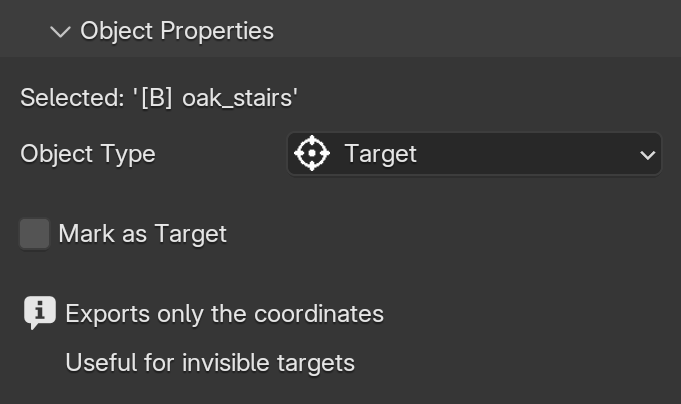
When your object's Type is set to Target, the exporter only reads its coordinates (X, Y, and Z). Targets are completely invisible in-game and do not possess IDs, Blockstates, or NBT data.
Usage
The primary purpose of a Target is to create completely invisible and highly optimized targets for the Tracking System.
Since a Target only exports three position values, it saves a significant amount of space in your project file compared to using a block display. Targets are literally just coordinates that are injected directly into the entities' tracking commands.
By changing an object's type to Target in your Blender scene and animating its position, you create a dynamic point that entities will track. This is the most efficient way to control where your entities look during an animation without adding unnecessary, hidden objects to the scene.
Mark as Target
Remember that to make other entities look at this object, you must enable the Mark as Target checkbox in its Object Properties.