Addon Overview
Welcome to the MC Animaker addon documentation. This guide is designed to be your primary resource for everything related to the Blender side of the tool. Here, you will find detailed instructions on how to use every panel and function within the interface.
Looking for the Mod documentation?
Please note that this documentation focuses exclusively on the MCA Link addon. A separate documentation dedicated to the MCA Toolkit mod is available here
Navigating the Interface
The addon is divided into three main tabs, each serving a specific purpose.
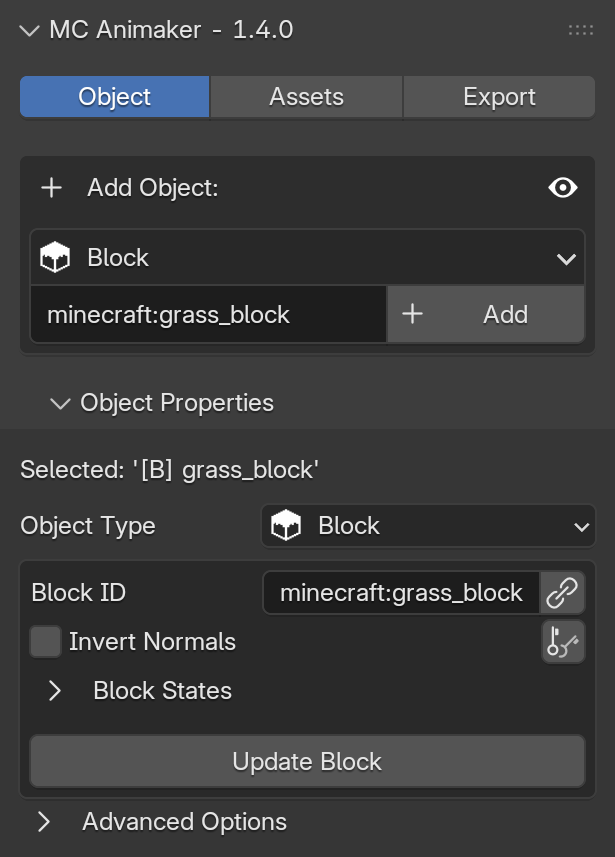
This is the tab you will use the most. Here, you can:
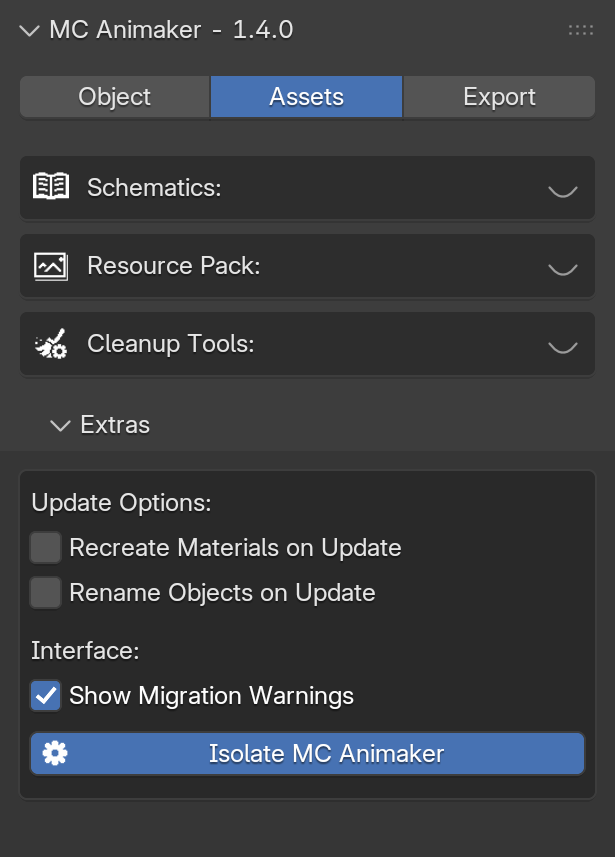
This tab acts as a utility toolbox. Here, you can:
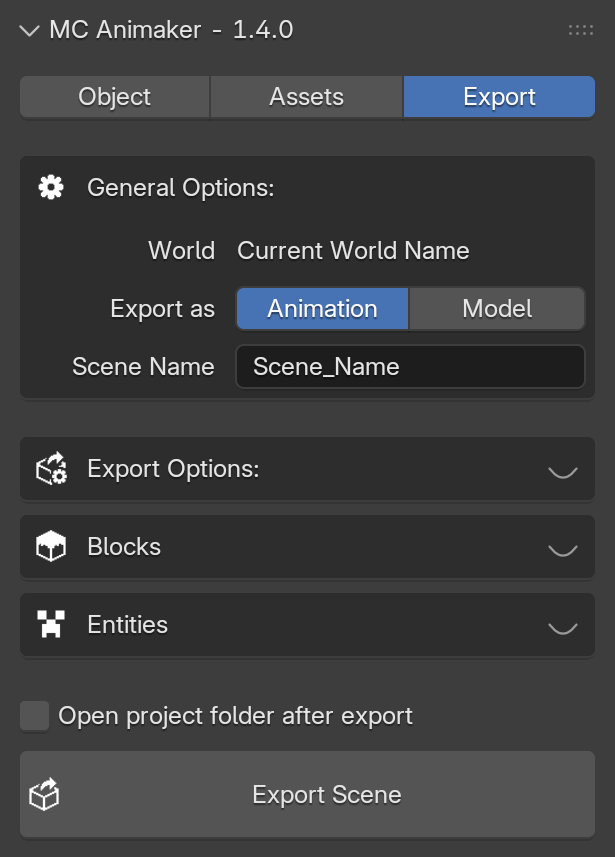
This is where you finalize your project and send it back to Minecraft. Here, you can:
- Configure Export for Animations and Models
- Export your Scenes to Minecraft
Eye Icons
To maintain a clean workspace in Blender, almost every section of the addon includes a small Eye Icon () in the top-right corner. You can use it to collapse panels you are not currently using, allowing you to focus only on the tools required for your task.