Add Object
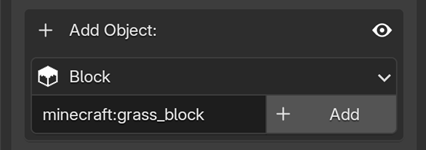
This area allows you to add new elements directly into your scene. Currently, MC Animaker supports generating two types of objects: Blocks and Entities.
Adding Objects
1. Select the Object Type: Click the dropdown menu and choose one of the options.
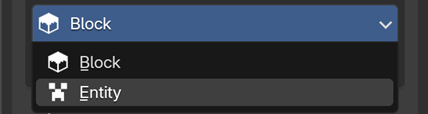
2. Enter the ID and Click Add: The process is basically the same for both types, but their visual results in Blender are different. Choose a tab below to see how each behaves:
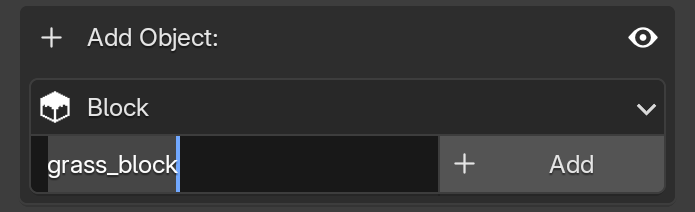
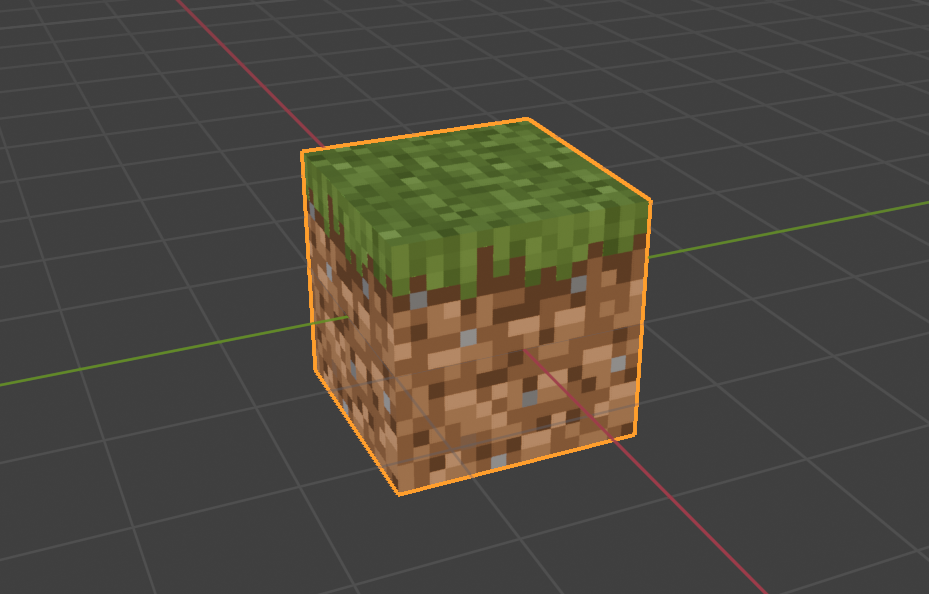
In the text field, type the exact block ID (e.g. grass_block or minecraft:grass_block) and click the Add button.
Expected Result
When you add a block, it will automatically load its models and textures from the currently selected Resource Pack.
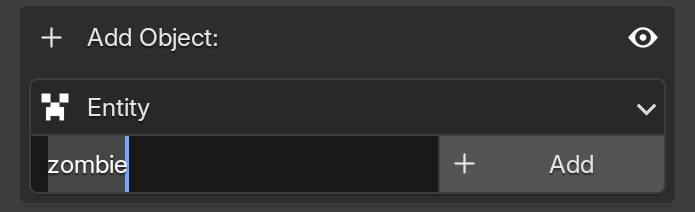
In the text field, type the exact entity ID (e.g. zombie or minecraft:zombie) and click the Add button.
Expected Result
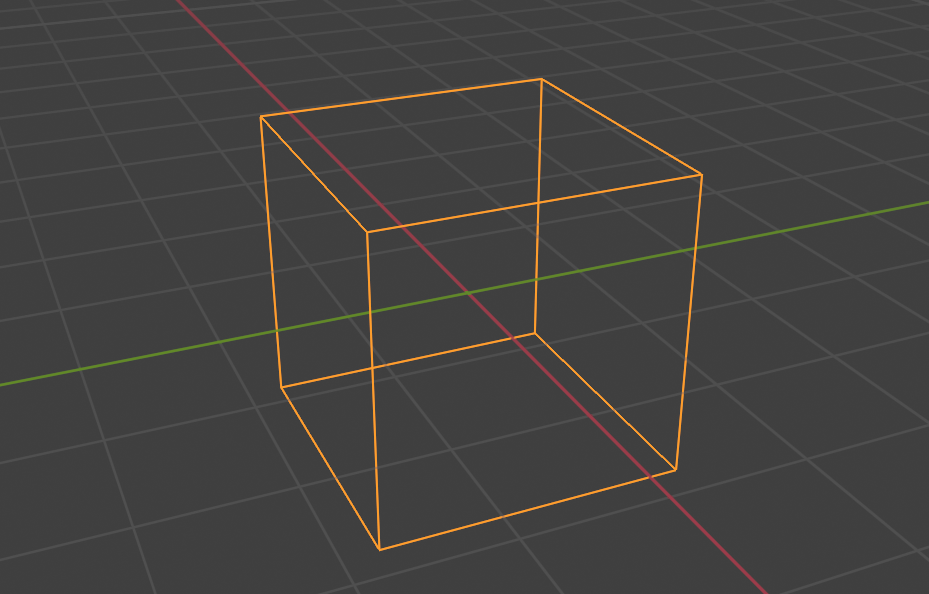
Entities do not load models or textures inside Blender. Instead, they appear as a simple wireframe box.
This is because Minecraft does not have native commands to animate entities in the same way we do with blocks (Block Displays). Unfortunately, we can only animate the entities' positions.